
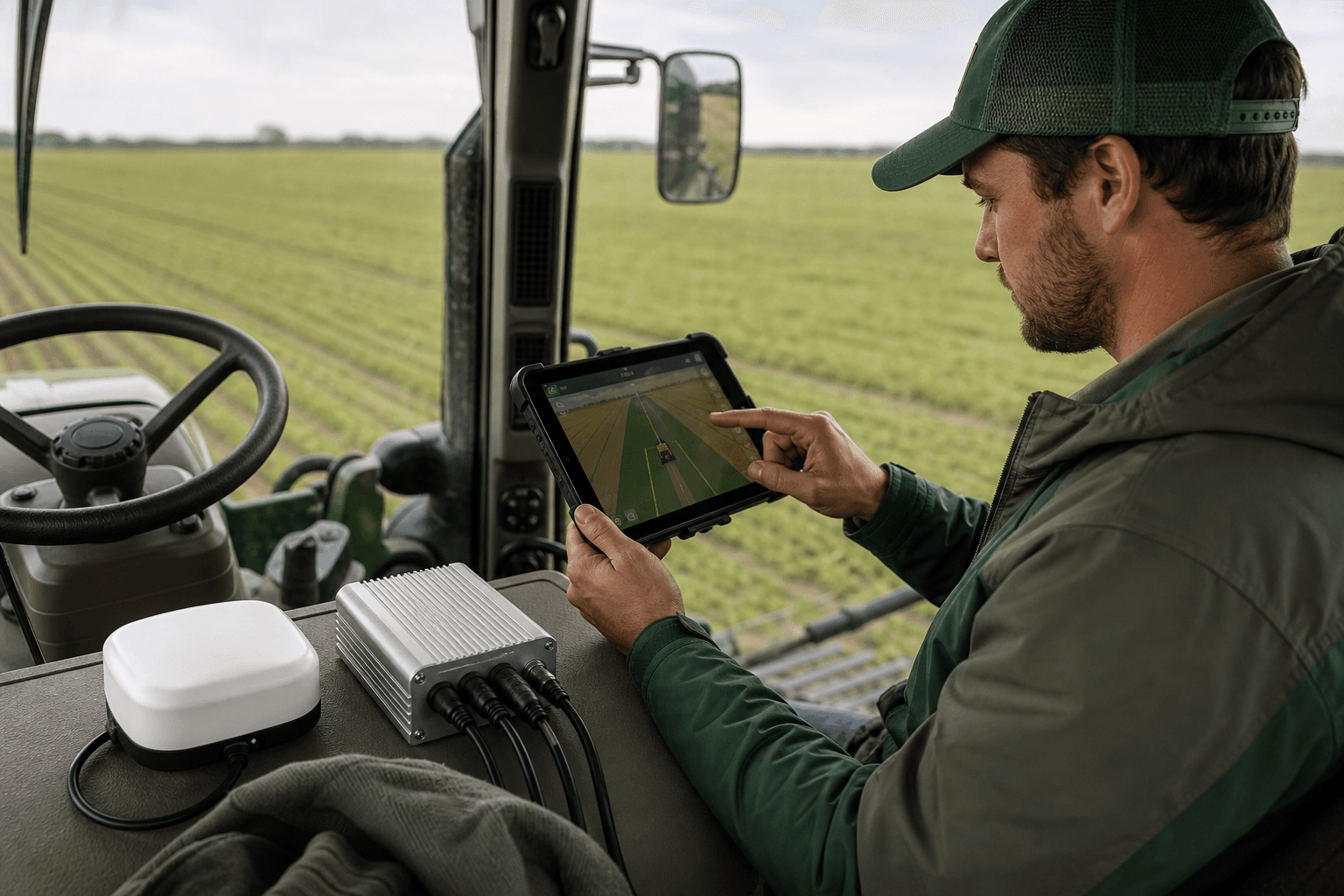
Tractor GPS in 2026: What Modern Farmers Need to Know
You walked away from a quote. Maybe it was €10,000, maybe €15,000, for a full Trimble-class tractor GPS and autosteer package — the kind of proprietary RTK guidance that proprietary kits in Europe commonly command, according to grain farmer and AgOpenGPS creator Brian Tischler in an open-source ag technology interview. You did the math in the dealership parking lot and something didn't add up. You already own an iPad. Your tractor is steer-ready. So why does precision guidance still demand a dedicated Windows PC, a vendor lock-in contract, and a subscription that outlives the hardware?
Here's what changed by 2026. For years your only honest options were the expensive proprietary kit or the rough-around-the-edges DIY route. DIY AgOpenGPS builders have run autosteer for under $1,000 per tractor with field performance one builder rated as "impressive" next to many $10,000 commercial setups, according to a long-running r/farming thread — but that path asks you to become a part-time electronics technician. The gap between those two worlds has finally closed. There's now a route that's affordable and doesn't require a soldering iron. To choose well, you need to understand the real cost structure and how modern guidance systems work before you sign anything.
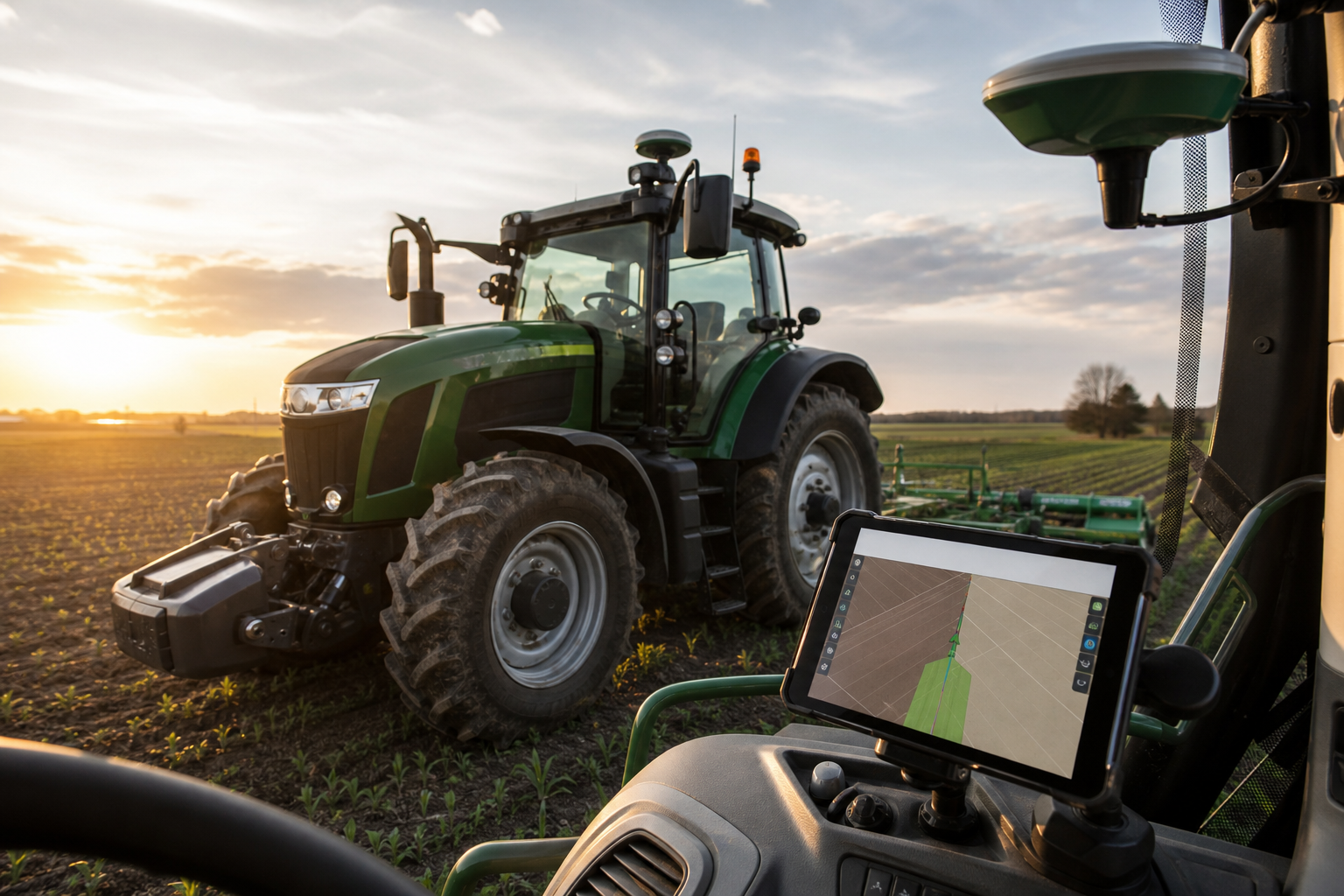
Table of Contents
- What Tractor GPS Actually Costs You in 2026
- Proprietary vs. Open-Source vs. DIY
- The Steer-Ready Checklist
- Wired vs. 4G Telemetry
- Why a Native iOS App Changes the Daily Drive
- How to Choose Your Setup
- Buyer Questions
What Tractor GPS Actually Costs You in 2026 — Beyond the Sticker Price
The price on the quote is the smallest part of what a tractor gps setup actually extracts from your operation over its life. Six cost categories decide whether you've made a sound purchase or signed up for a decade of recurring bills.
- Hardware upfront (receiver, antenna, controller). Entry-level systems run $2,500–$5,000, mid-range $5,000–$10,000, and professional systems $10,000–$15,000+, according to autosteer supplier AllyNav. Vendor guidance displays paired with RTK-ready receivers alone land around $2,525–$3,360, according to AGGPS.ca. This is the line item everyone fixates on — and it's rarely the one that hurts most.
- The autosteer components themselves. A steering motor or hydraulic valve plus a control box runs from a few hundred dollars up to roughly $1,000, per the same AGGPS.ca breakdown. Open-platform DIY steering components typically come in under $1,000 total, matching the per-tractor figures reported by experienced r/farming builders. If your tractor is CAN bus steer-ready, you can skip the bolt-on steering motor entirely — more on that in the checklist.
- RTK correction subscriptions (recurring). Agricultural RTK correction services typically cost £500–£1,500 per year on top of the hardware, per AllyNav citing Farmers Weekly figures. Premium subscription RTK networks pile on additional licences, base stations, and annual fees, as a tractor GPS solutions explainer notes. Open NTRIP alternatives sidestep the vendor-locked recurring fee structure entirely.
- Activation and feature-unlock fees. Proprietary platforms routinely gate features behind paywalls — you pay again to enable autosteer or section control on hardware you already bought. Open-source AgOpenGPS carries no vendor feature-unlock fees; guidance lines, tramlines, and machine control are part of the free software, as demonstrated in community AgOpenGPS configuration walkthroughs.
- The display you already own. Proprietary setups force a dedicated screen into the cab as a mandatory cost line. A device you already keep charged and updated — your iPad or iPhone — turns that line into zero. No competitor selling a closed display can match a screen you already maintain.
- Switching cost and lock-in. Closed ecosystems tie your resale value and your service options to one dealer. Tischler's point cuts to it: many European smallholders could buy the €10,000–€15,000 systems but choose open-source specifically to escape the price structure and the lock-in.
The cheapest line item in a precision ag setup is the device most farmers already have in their pocket.
Proprietary vs. Open-Source vs. DIY: Which Tractor GPS Path Fits Your Operation
Three paths lead to centimeter-class guidance. The right one depends less on budget alone than on how much electronics work you're willing to own.
| Criterion | Proprietary (Trimble-class) | Pure DIY AgOpenGPS | Managed Open-Platform |
|---|---|---|---|
| Typical upfront cost | €10,000–€15,000 | Under €/$1,000 per tractor | €1,600–€2,200 + VAT |
| Setup complexity | Dealer-installed | High (build & integrate) | Moderate (assembled kit) |
| Vendor lock-in | High | None | Low |
| Hardware flexibility | Closed ecosystem | Full | Community-board compatible |
| Subscription model | Often required | Open NTRIP option | Open NTRIP option |
| Technical skill needed | Low | High | Low–Moderate |
The proprietary tier wins for one kind of buyer: large operations that expect dealer service on call, carry no in-house technical tolerance, and treat the price as the cost of never touching a config file. You pay the premium and the lock-in to make guidance someone else's problem.
Pure DIY AgOpenGPS wins for the farmer who wants to be in the parameters. The reported sub-$1,000 builds are real, but they assume you'll select, wire, and tune the chain yourself. ArduSimple's engineers note that while AgOpenGPS scales from simple visual guidance up to full RTK autosteer with section control, the autosteer end "requires more effort and careful hardware integration," pushing less technical farmers toward managed solutions. RTKData is blunter: ultra-low advertised budgets are unrealistic for non-experts, because a working system depends on careful selection and integration of guidance software, GNSS receiver, correction source, and steering hardware, per their DIY build plan. The open-source community itself rejects the "plug and play" framing — it works impressively well, but it asks for your willingness to experiment and troubleshoot.
The managed open-platform tier sits between the two and resolves the tension. You get open-source compatibility and no vendor lock-in without paying the DIY soldering tax. AgOpenGPS-based commercial packages cluster around €1,600–€2,200 plus VAT, with geared variants from about €1,660 plus VAT, according to AgOpen.Shop. Agro Navigator sits inside that band while adding something none of these reference points offer — a native iOS app instead of a Windows machine in the cab.
The Steer-Ready Checklist: Will This Work With Your Tractor Before You Buy
Before you spend anything, run these five verification checks against the tractor sitting in your shed. Skipping them is how budgets balloon after purchase.
- Confirm CAN bus / ISOBUS steer-ready status. This is the single check that decides your install cost. Steer-ready tractors with CAN bus integration eliminate the hydraulic valve retrofit entirely — AgOpenGPS-compatible CAN integration drives the wheel through the factory steering system instead of bolting a steering motor onto the column. If your tractor is steer-ready, you've just removed the most labor-intensive part of the job.
- Identify existing valve and steering hardware. If the tractor is not CAN steer-ready, plan for a steering motor or hydraulic valve plus control box — a few hundred dollars up to roughly $1,000, per AGGPS.ca's component breakdown. Know which side of this line you're on before you compare quotes, because it changes the total by four figures.
- Check antenna mounting compatibility. The RTK antenna needs an open-sky, cab-roof position for strong satellite geometry. Poor placement degrades the 1–2 cm horizontal accuracy RTK can deliver, according to GNSS manufacturer CHC Navigation. A cheap antenna in the wrong spot underperforms a good antenna mounted right.
- Verify RTK correction availability in your region. Confirm an NTRIP caster or a local base station you can reach. Commercial RTK base stations can serve up to roughly 50 km (about 31 miles) radius, so one base can cover multiple fields and several nearby operations, per AGGPS.ca. Check coverage before hardware, not after.
- Confirm device compatibility. Verify your specific iPad or iPhone model and iOS version against the native app requirements. The device you already own is the display — make sure the one in your hand qualifies.
The headline takeaway: CAN bus integration removes the hydraulic retrofit on compatible machines, and that is a major cost and labor saver. The difference between a steer-ready tractor and one needing a valve retrofit can be the difference between an afternoon install and a multi-day job.
Wired vs. 4G Telemetry: Choosing the Right Hardware Configuration
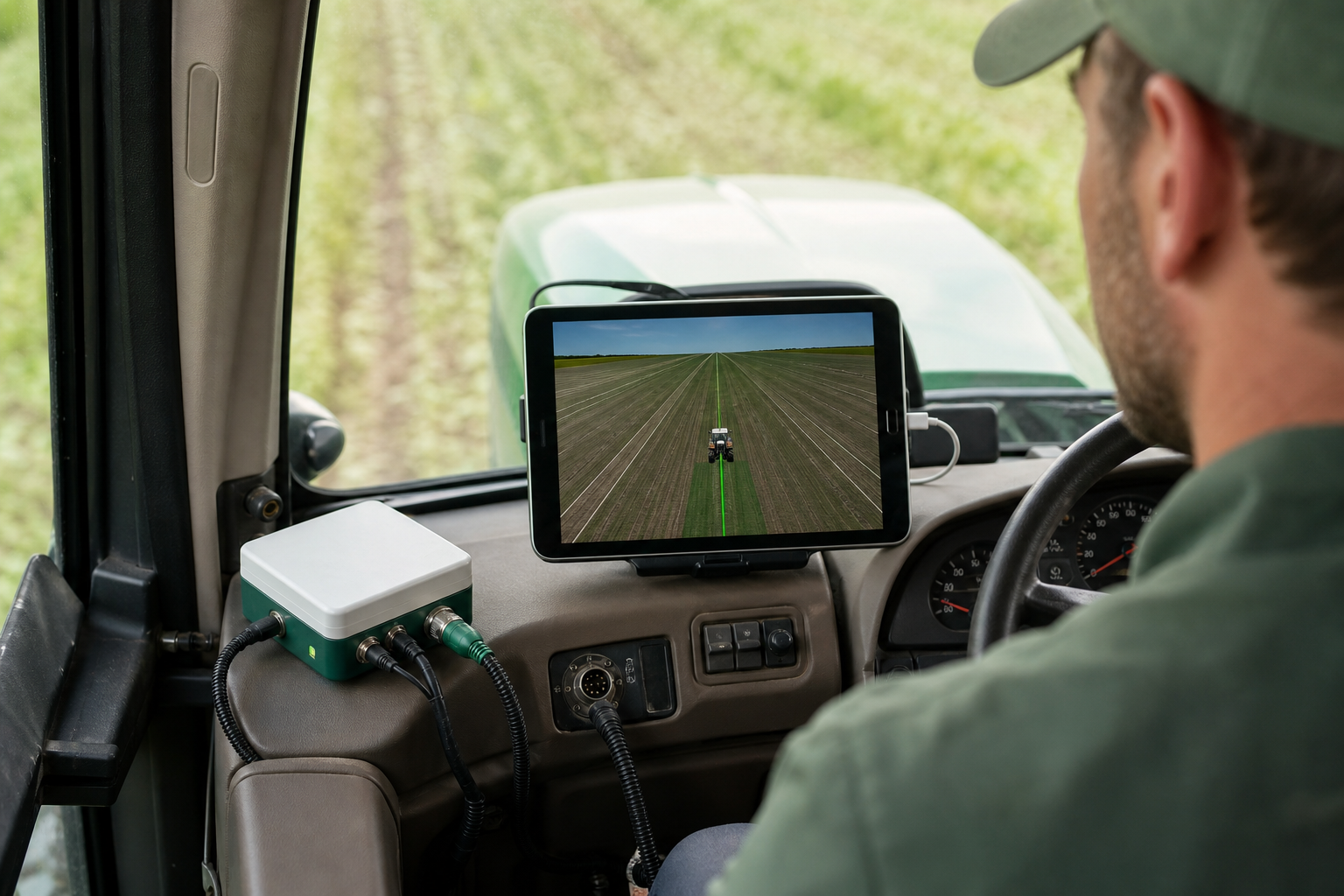
Two hardware configurations cover two distinct operations. The choice is about telemetry and fleet visibility — not steering quality.
| Capability | Base (Wired) | Advanced (4G/GSM) |
|---|---|---|
| Connectivity | Ethernet over USB | Built-in 4G/GSM modem |
| Autosteer function | Full | Full |
| Live telemetry | No | Yes |
| Remote machine monitoring | No | Yes |
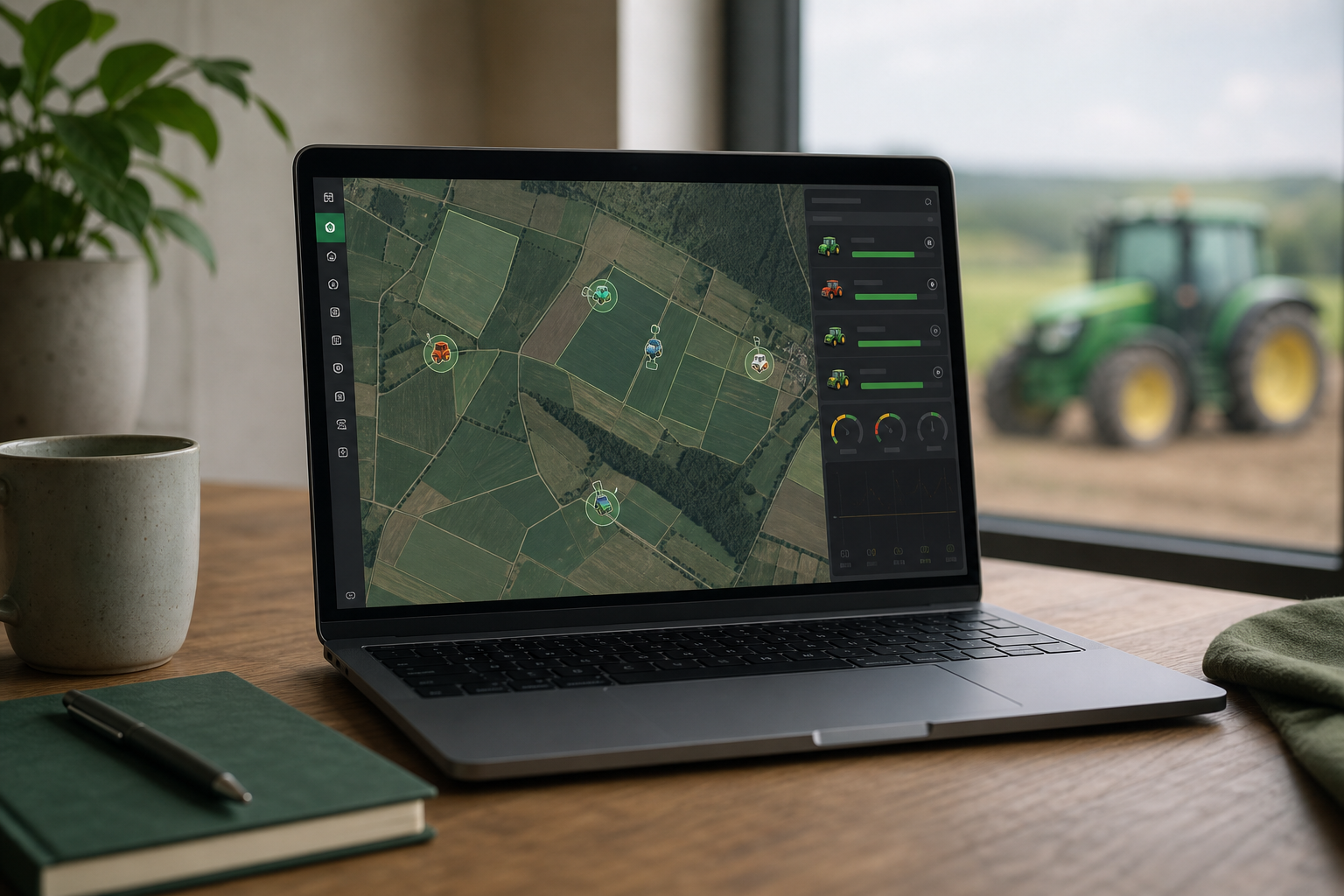
| Fleet / multi-machine dashboard | No | Yes (online dashboard) |
| Best-fit operator | Single-tractor farmer | Fleet manager / multi-machine |
Read the second row first, because it's the one buyers misunderstand. Autosteer accuracy and core guidance are identical on both configurations. The 4G modem adds telemetry; it does not add steering performance. You are not buying better guidance with the advanced model — you're buying visibility into where your machines are and what they're doing.
For the single-tractor independent farmer, the wired model is sufficient and arguably preferable. There's no cellular dependency to fail in a low-signal field corner and no recurring data overhead to budget for. You drive, the system steers, and nothing phones home.
For the fleet manager or larger agricultural operation, the 4G version earns its place. Remote monitoring and live machine location through the online dashboard make coordinating multiple machines across scattered fields practical instead of a series of phone calls. The base-station economics reinforce this: because one RTK base can cover a roughly 50 km radius, a fleet can share a single correction infrastructure across nearby operations rather than duplicating it per machine. The planned multi-vehicle coordination on the roadmap is most meaningful precisely for these 4G fleet users — it builds on the telemetry backbone the modem already provides.
Why a Native iOS App Changes the Daily Driving Experience
The conventional AgOpenGPS workflow runs the software on Windows, deployed on a tablet or laptop bouncing around the cab — a setup well documented across both the ArduSimple precision agriculture writeups and years of r/farming build threads. It works. Thousands of farmers run exactly this. But it carries baggage that has nothing to do with farming and everything to do with maintaining a general-purpose computer in a hostile environment.
Start with the Windows machine itself. A laptop or Windows tablet in a tractor cab is a maintenance burden, a boot-and-driver failure point, and a piece of hardware never designed for dust, vibration, and temperature swings. Every Windows update, every driver conflict, every dead battery on a cold morning is a reason your guidance doesn't come up when you climb in. Removing that machine removes an entire category of failure that has nothing to do with whether your RTK fix is good.
Precision agriculture shouldn't require maintaining a Windows laptop bouncing around your tractor cab.
A native iOS app is built for the device rather than ported onto it. Running desktop Windows software through a touchscreen means fighting an interface designed for a mouse — small targets, menus built for precision pointing, a layout that assumes a keyboard. A touch-native interface is designed around the fingers and the glance-and-go reality of operating from the seat. That difference shows up every single pass.
The device argument is the one competitors structurally can't answer. Modern iPads and iPhones ship with sun-readable high-brightness displays, integrated GPS, and a managed OS update cycle. You already keep the device charged. You already keep it current. You already know how to use it. Replacing a dedicated proprietary display and a separate Windows tablet with one mounted device you already own collapses cab clutter and cuts a hardware line item to nothing — the kind of overlap-and-waste reduction that compounds across a season and directly supports higher farm productivity.
None of this touches accuracy, and that's the point worth being clear about. The system still delivers the centimeter-class guidance RTK enables — roughly 1–2 cm horizontal and 2–3 cm vertical under good conditions, with pass-to-pass commonly within about 2.5 cm, per CHC Navigation, ArduSimple, and FieldBee's RTK overview. The native app changes the interface, not the accuracy floor. You are not trading guidance quality for convenience — you're keeping the quality and dropping the Windows tax.
There's a longevity dimension too. Predefined path driving and multi-vehicle coordination are on the platform roadmap — planned evolution rather than vaporware, building on the same AgOpenGPS foundation that ArduSimple notes scales cleanly from visual guidance up to full RTK autosteer with section control. An open platform that grows is an investment that grows with your operation rather than depreciating into a closed dead end.
And the emotional core hasn't moved since Tischler called autosteer "the greatest thing in agriculture." Precise tramlines and reduced operator fatigue — the things that used to be reserved for farms that could justify €15,000 — are now reachable by operations that were priced out. The native iOS path just removes the last awkward requirement standing between those farmers and a clean, modern cab.
How to Choose Your Tractor GPS Setup: A Do-This-Now Buyer's Path
You have the cost structure, the three-way comparison, and the steer-ready checks. Here is the sequence that turns all of it into a purchase that fits the tractor you actually own — not the one in a brochure.
- Audit your tractor. Confirm steer-ready and CAN bus status first. CAN integration means no hydraulic retrofit and a far cheaper install. If the machine is not steer-ready, budget for a steering motor or valve — up to roughly $1,000 — before you compare anything else, because that figure reshapes your whole calculation.
- Map your budget against true-cost categories. Add upfront hardware to recurring RTK corrections — £500–£1,500 per year if you use a paid service — plus any feature-unlock fees. Then set the total against the €10,000–€15,000 proprietary baseline. The comparison is rarely close once you count the recurring lines.
- Decide single-machine versus fleet. One tractor points to the base wired model: no cellular dependency, no data overhead. Multiple machines or any need for remote monitoring points to the advanced 4G configuration with the online dashboard.
- Confirm device and RTK availability. Verify your iPad or iPhone model and iOS version against the app requirements. Confirm NTRIP or local base-station coverage in your region — remember one base covers roughly a 50 km radius, so check whether you can reach an existing caster before commissioning your own.
- Validate migration compatibility. Coming from an existing AgOpenGPS build? Confirm your community boards and RTK receiver carry over. The system works with existing community AgOpenGPS hardware and RTK receivers, so a migration should preserve, not discard, your prior investment.
- Request your quote. With your tractor audited, budget mapped, configuration chosen, and compatibility confirmed, get a configuration and price built for your specific machine.
The right tractor GPS isn't the most expensive one — it's the one that fits the tractor in your shed today.
Tractor GPS Questions Buyers Ask Before Committing
Can I use my existing AgOpenGPS boards and RTK receiver?
Yes. The system is compatible with existing community AgOpenGPS boards and RTK GPS receivers, so a migrating builder keeps the hardware investment already made. AgOpenGPS scales from simple visual guidance up to full RTK autosteer with section control, per ArduSimple — moving to a managed native-iOS front end doesn't strip any of that capability away.
Do I need a cellular subscription for the autosteer to work?
No. Autosteer functions identically on the base wired model with no cellular link at all. The 4G/GSM modem only adds live telemetry, remote monitoring, and the fleet dashboard. It has zero effect on steering accuracy — you can run full guidance without ever inserting a SIM.
What accuracy can I expect from RTK guidance?
Under good conditions, RTK delivers roughly 1–2 cm horizontal and 2–3 cm vertical accuracy, with pass-to-pass commonly within about 2.5 cm — against ±1–3 m for standard non-RTK GNSS, per CHC Navigation, ArduSimple, and FieldBee. Initialization typically takes from a few seconds to under a minute when satellite geometry and the correction link are good.
Does this work offline or in low-signal fields?
The wired base configuration doesn't depend on cellular for guidance, so a low-signal field corner won't drop your steering. RTK corrections still require a correction link — NTRIP or a local base — but once you have a fix, centimeter accuracy holds even in low-visibility conditions like dust or darkness, according to CHC Navigation.
Can dealers and resellers buy the hardware for resale?
Yes. Open-platform hardware is explicitly aimed at precision agriculture dealers and resellers who want an alternative to closed proprietary ecosystems — a system built on community-compatible boards rather than a locked vendor stack, which keeps both you and your customers free of single-supplier dependence.